Manually creating a lead in CRM
How to create a lead manually
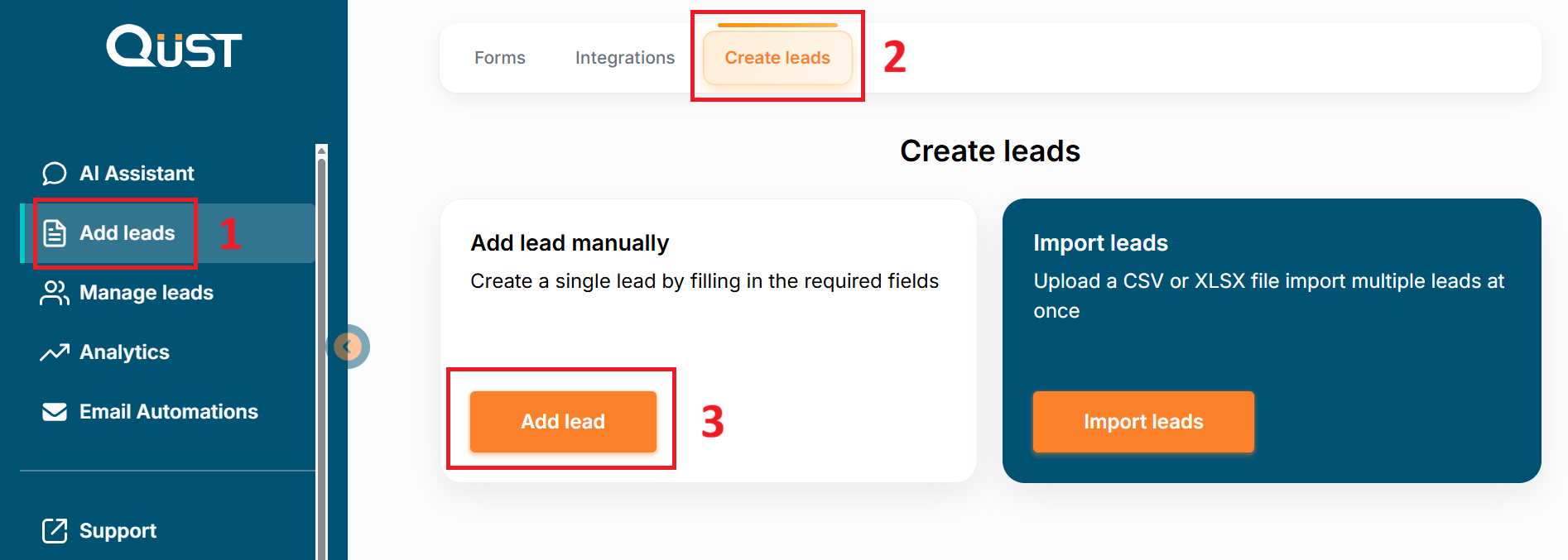
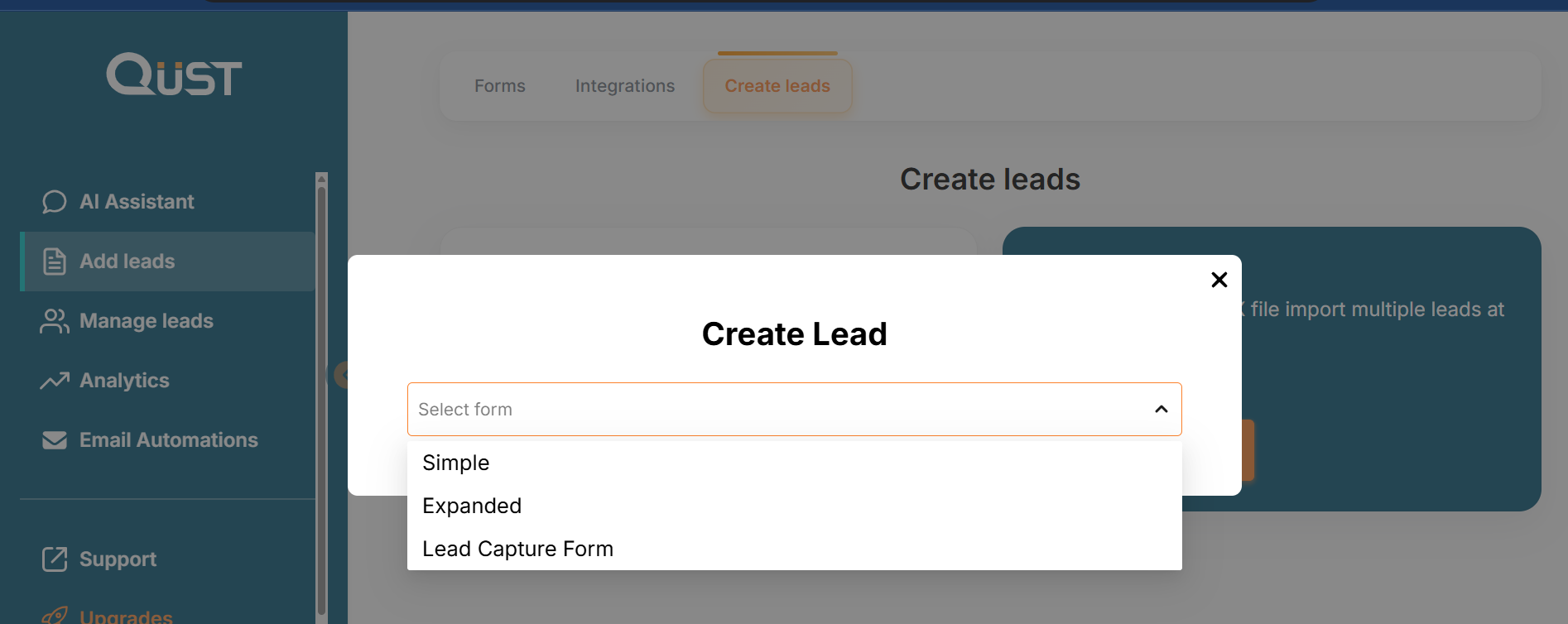
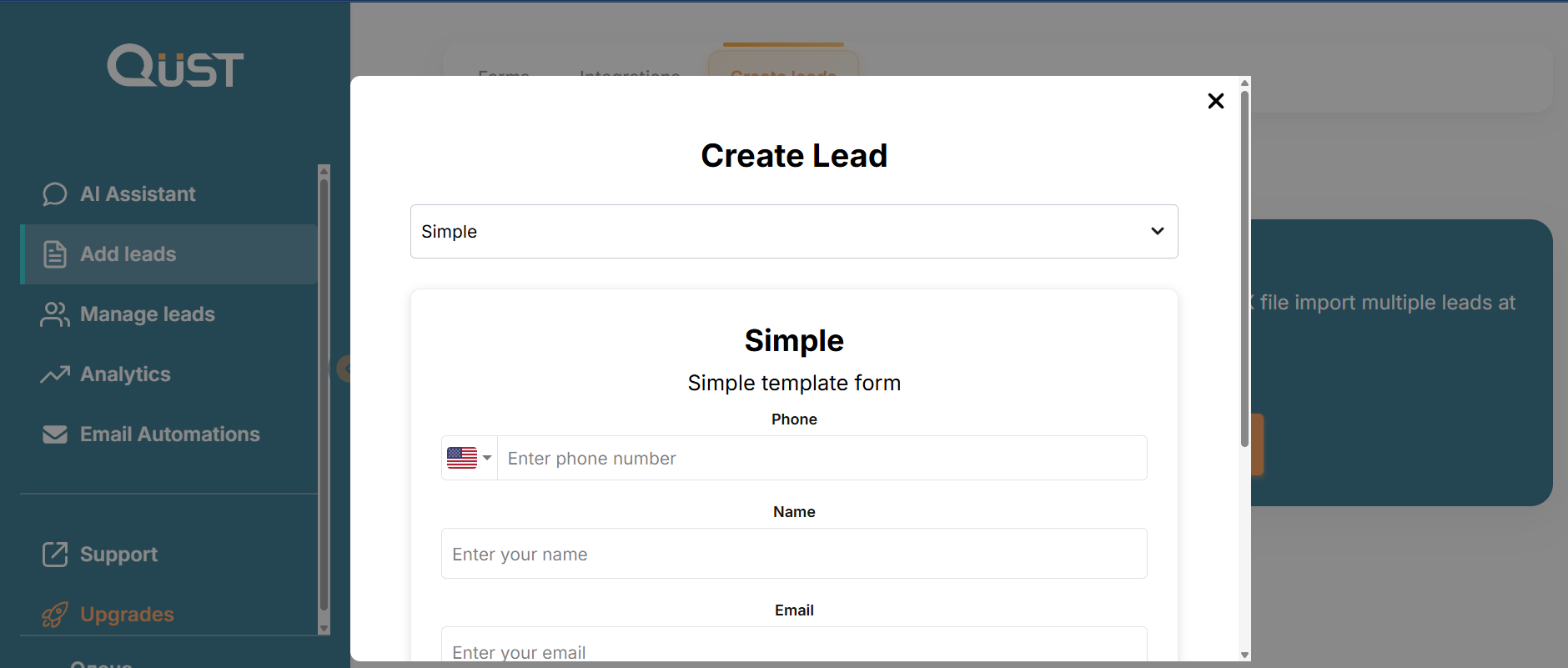
Go to the “Add Leads” section in the left menu, select “Create Leads”, then choose “Add Lead Manually.” You will see a form that needs to be filled out with the required information according to your needs. Click “Save.” The lead has been created!
Was this page helpful?