Projects, forms, leads — how it works
The structure of your project
Your workspace has a simple and intuitive structure.
Forms and leads are tightly integrated within your project, enabling you to track changes and analyze data related to your work in real-time.
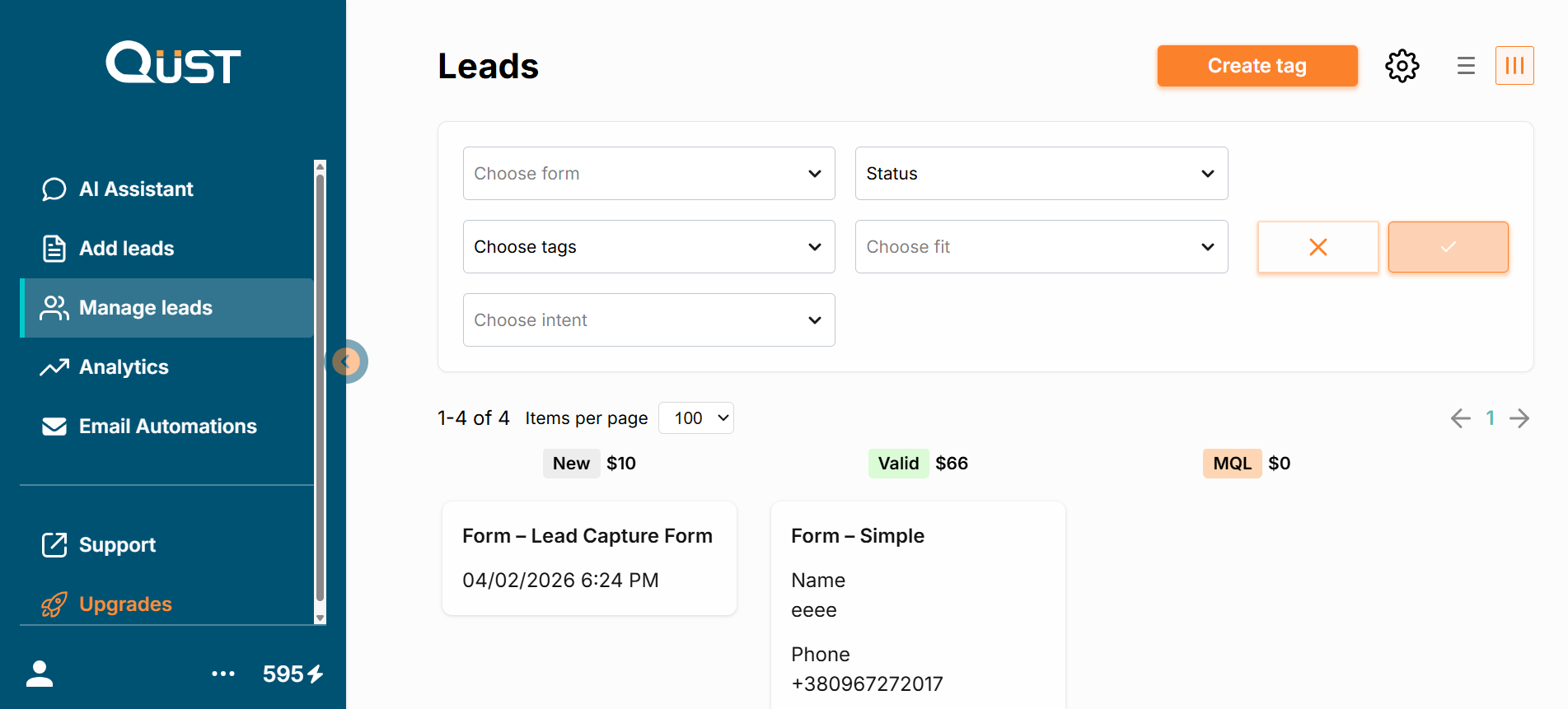
On the left side, there is a sidebar menu with the following sections:
- AI Assistant
- Forms
- Leads
- Analytics
- Email Authorizations
- Support
- Updates
At the bottom of the sidebar, you can see your energy level. Clicking the three dots opens a menu with Settings, Energy information, and a Log out button.
The Settings allow you to choose the system language and configure your project settings and preferences. These settings affect how your project behaves and which features are available to you.
The Energy button displays the available energy for performing actions, the log of the change history, and the pricing for topping up energy.
Was this page helpful?