Using webhooks
You can use webhooks to send leads into QuST. Basic overview
Using the webhook, you can send data from your website or application directly to the CRM at the exact moment a user submits a request (creates a lead).
This method is ideal if you need a direct integration without relying on tools like Zapier or Make and want to maintain complete control over the workflow within your own code.
To send leads to QuST using webhooks, you need to configure your system to automatically transmit lead data when a lead is created.
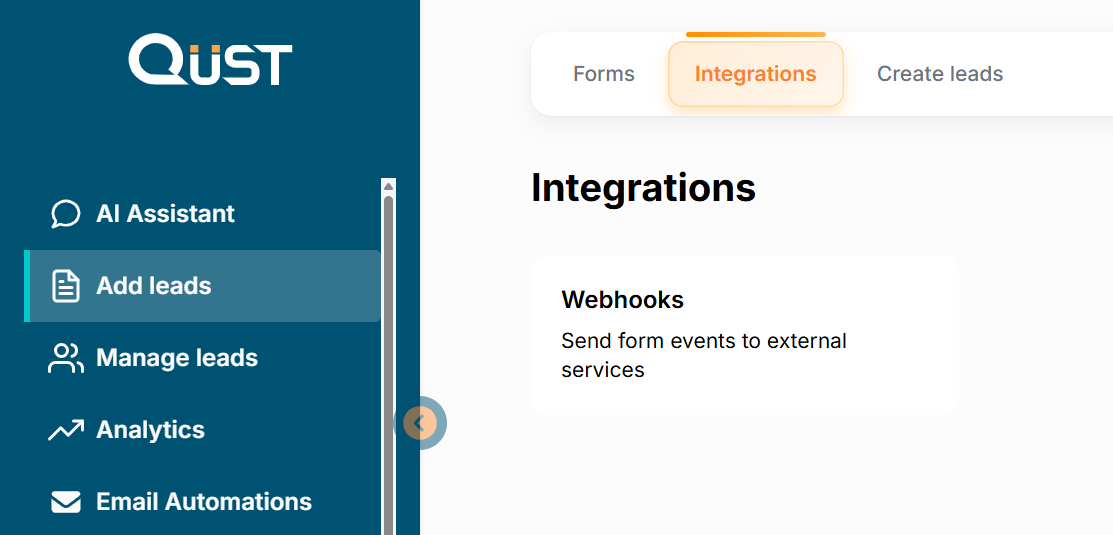
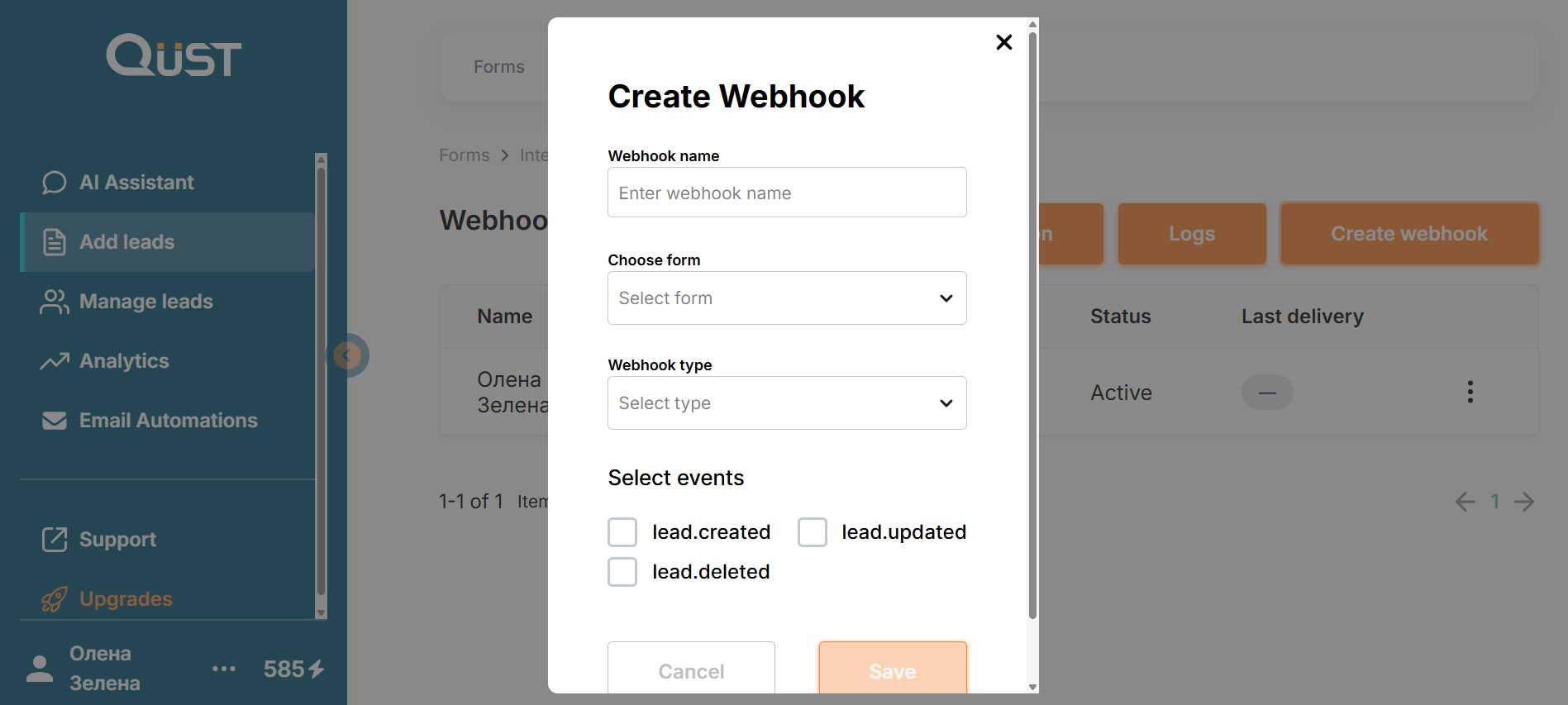
You can find webhooks by opening the left menu and selecting “Add Leads” - “Integrations” - “Webhooks”.
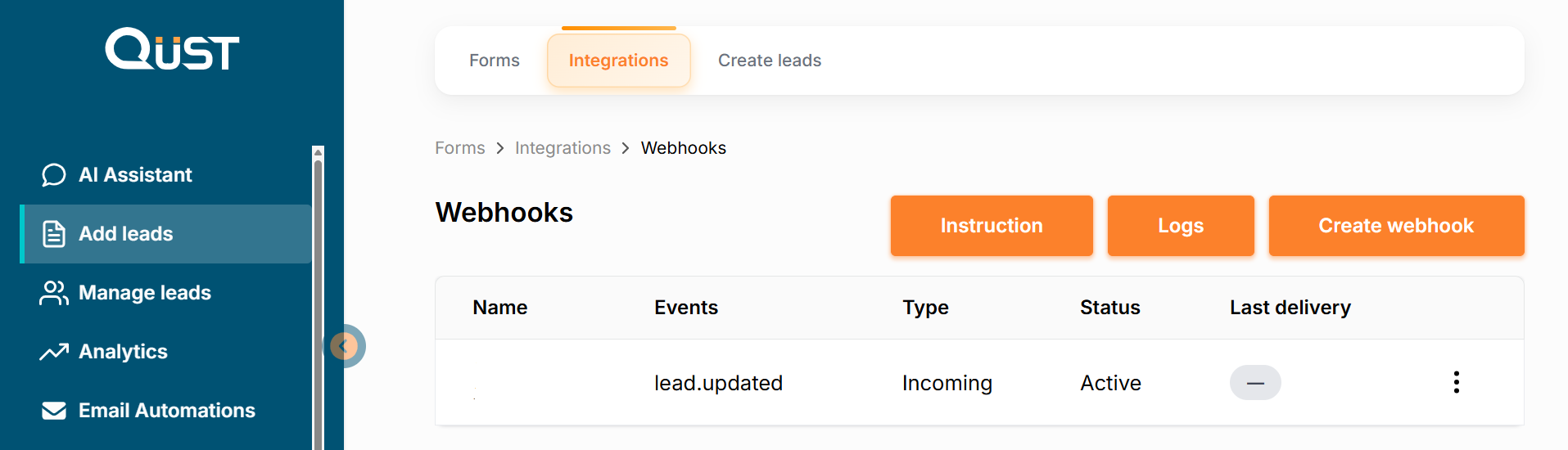
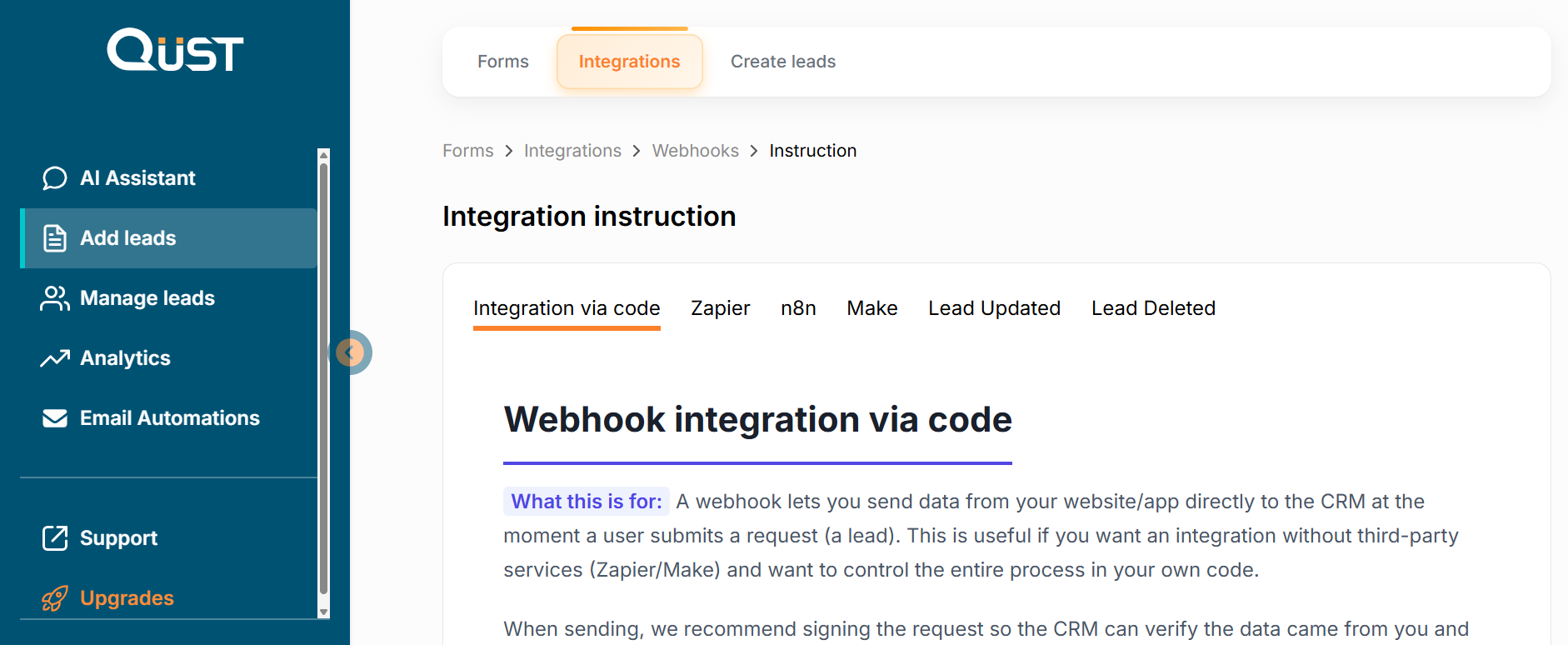
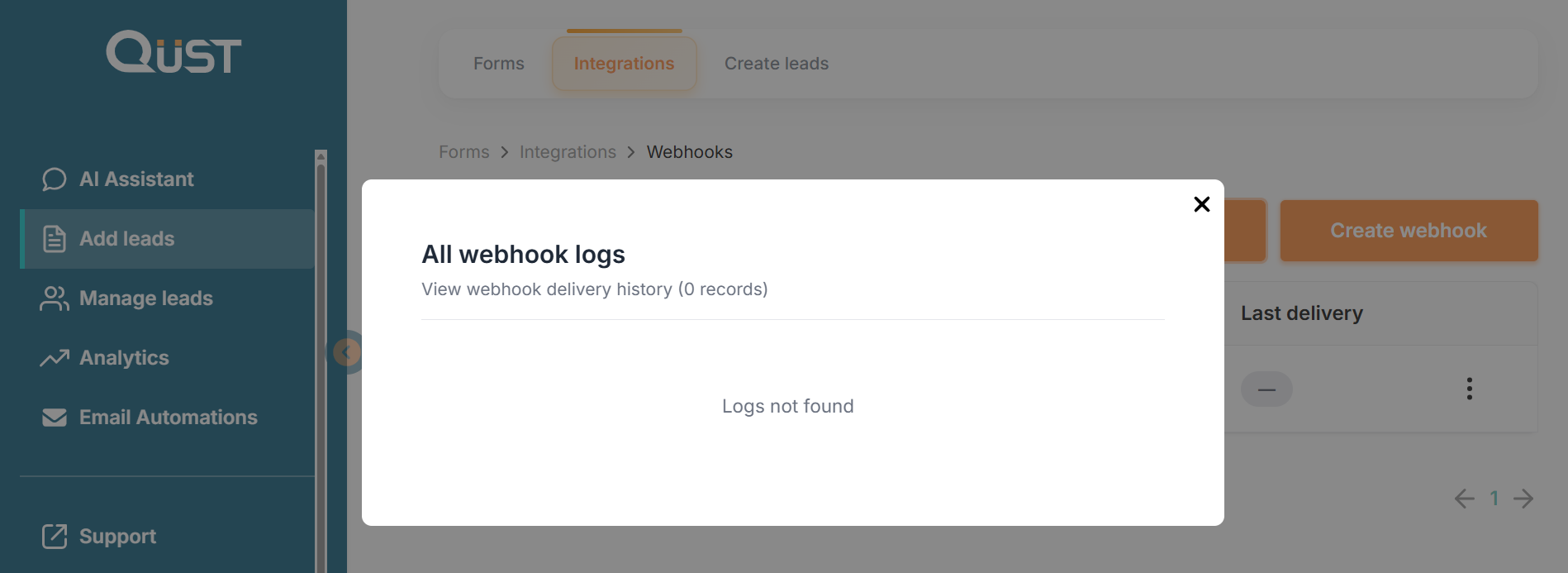
On this page, a list of webhooks is displayed, a detailed guide on how to configure them, as well as the “Logs” (webhook delivery history) and “Create Webhook” buttons. By clicking the three dots in the webhooks list, you can open a menu with the following options: “Logs,” “Edit,” “Disable,” and “Delete.”
Was this page helpful?