How to import leads via CSV
You can import leads via CSV or XLSX
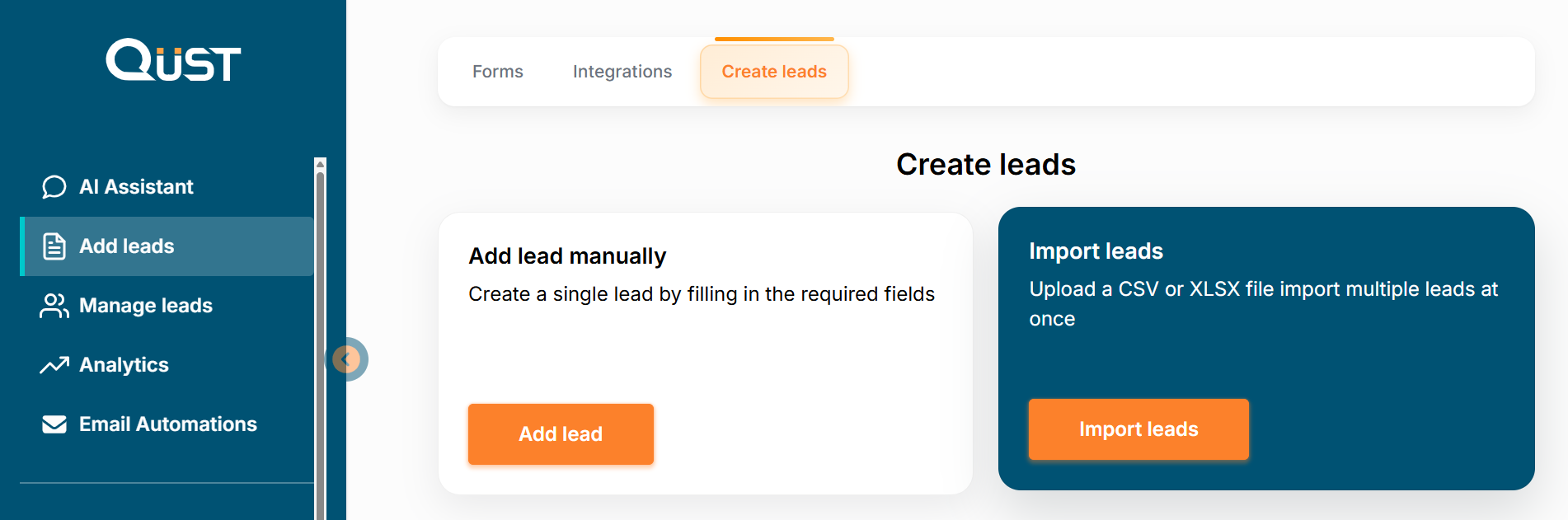
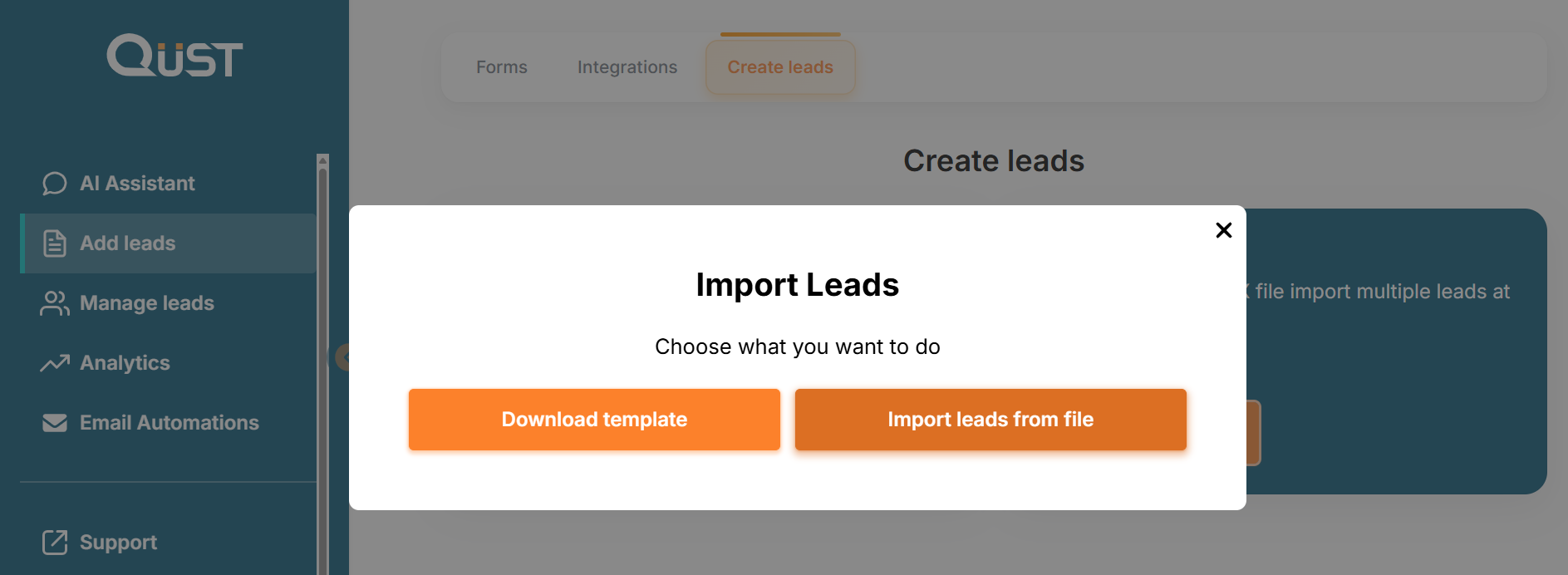
Go to the “Add Leads” section in the left menu, select “Create Leads”, then choose “Import Leads”. Here you can upload a CSV or XLSX file and import multiple leads at once. Click on "Import Leads", then choose what you want to do: Download template or Import leads from file.
After clicking "Download template", you will need to select an existing form and choose the file format in which the information will be saved.
After clicking "Import leads from file", select the form into which the data will be uploaded, then click “Select file” (CSV or XLSX).
Was this page helpful?